Tank Chase
A personal compositing project.
Overview
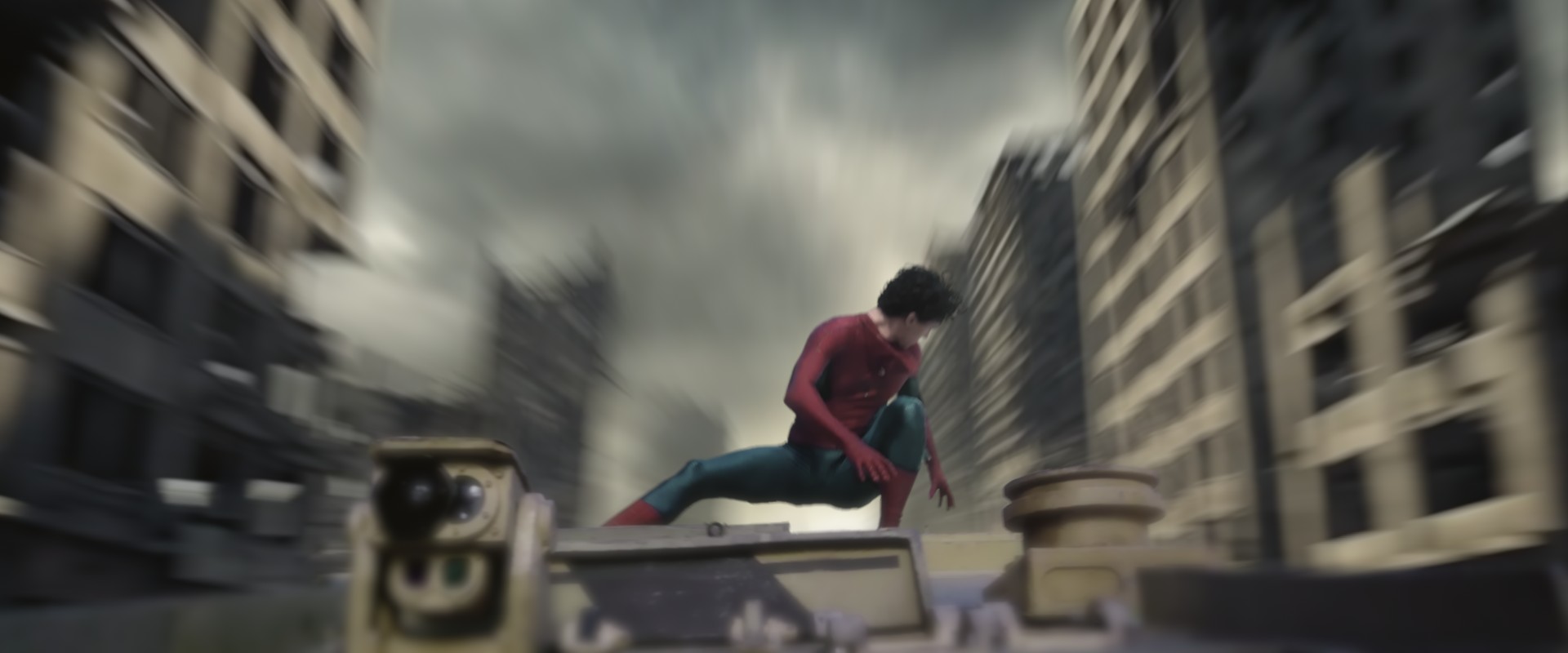
This was a personal compositing project. For this project I completed: Removal, Cleanup, Roto, Keying, Environment Replacement, Integration and Grading. After thoroughly enjoying this film in cinemas, I was really excited to find some stock footage on set I could use for my own work.
Process
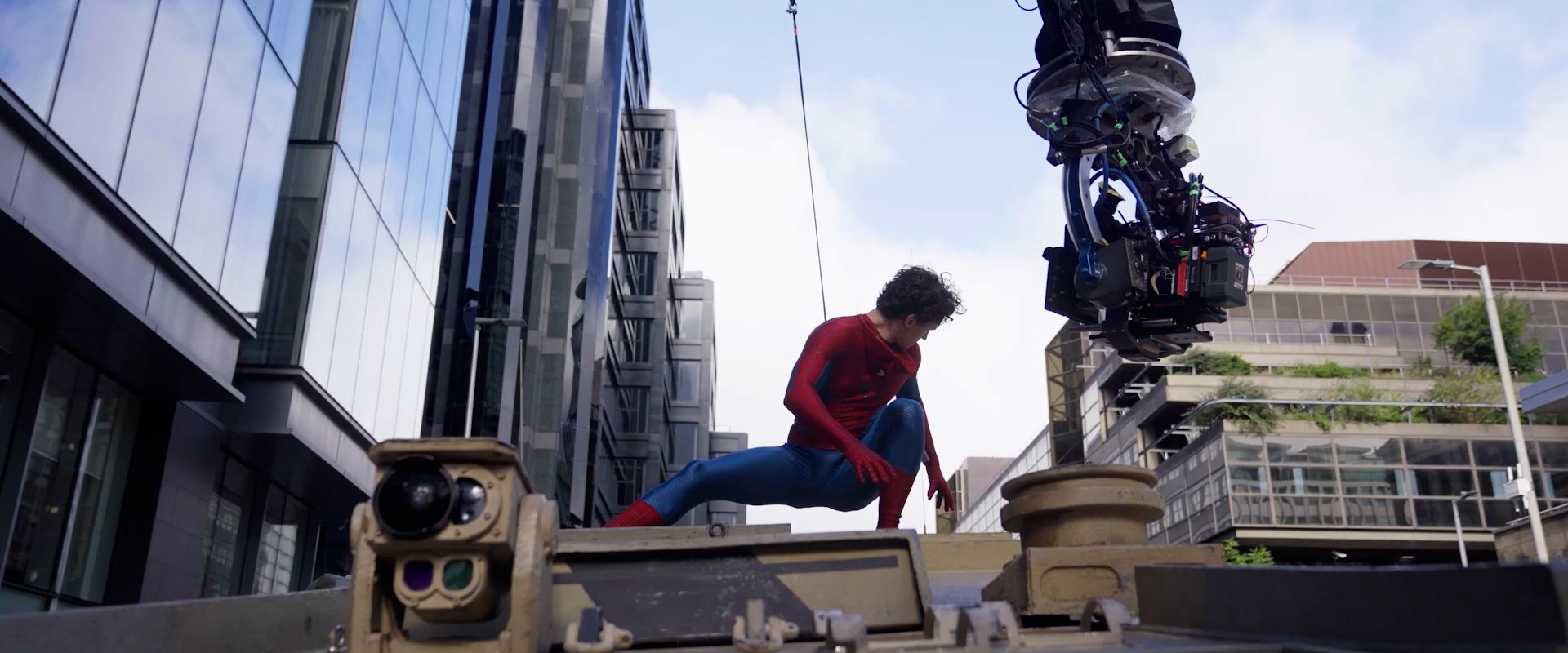
Everything was completed in Nuke. After the wire removal and shoulder clean-up, I Rotoscoped the tank and the actor separately to build clean mattes, and used an additive key to hold the fine hair detail. I used a background I generated with Gemini to composite behind them, with directional blur added to match the sense of speed. Finally I graded the foreground to integrate it into the scene.
Fan and student project, shown for non-commercial portfolio purposes only. Not affiliated with or endorsed by Marvel, Sony or Disney. The character and the original footage belong to their respective owners. Original plate from Making Spider-Man: Brand New Day in VFX. The replacement background was generated with Gemini; the roto, keying, clean-up, compositing and grade are my own work.
Full Breakdown
0:08This is a full breakdown for this project, presenting each step I took in Nuke. First of all, I removed the wire supporting the actor, and then rebuilt the shoulder infront. I then decided to remove the whole background, in which I began by Rotoing the tank, and actor separately. To generate the alpha of the actor, I used a luminance keyer node for the majority for the body, this left details such as the legs and arms to Roto rather than the whole body, making the process much simpler. Using the background generated in Gemini, I placed it behind the live action plate to replace the environment, adding directional blur to mimic a sense of speed. Finally, as I generated separate alphas for the tank and actor, I was able to colour grade each element separately, helping achieve a more photoreal final result.