Containment Breach
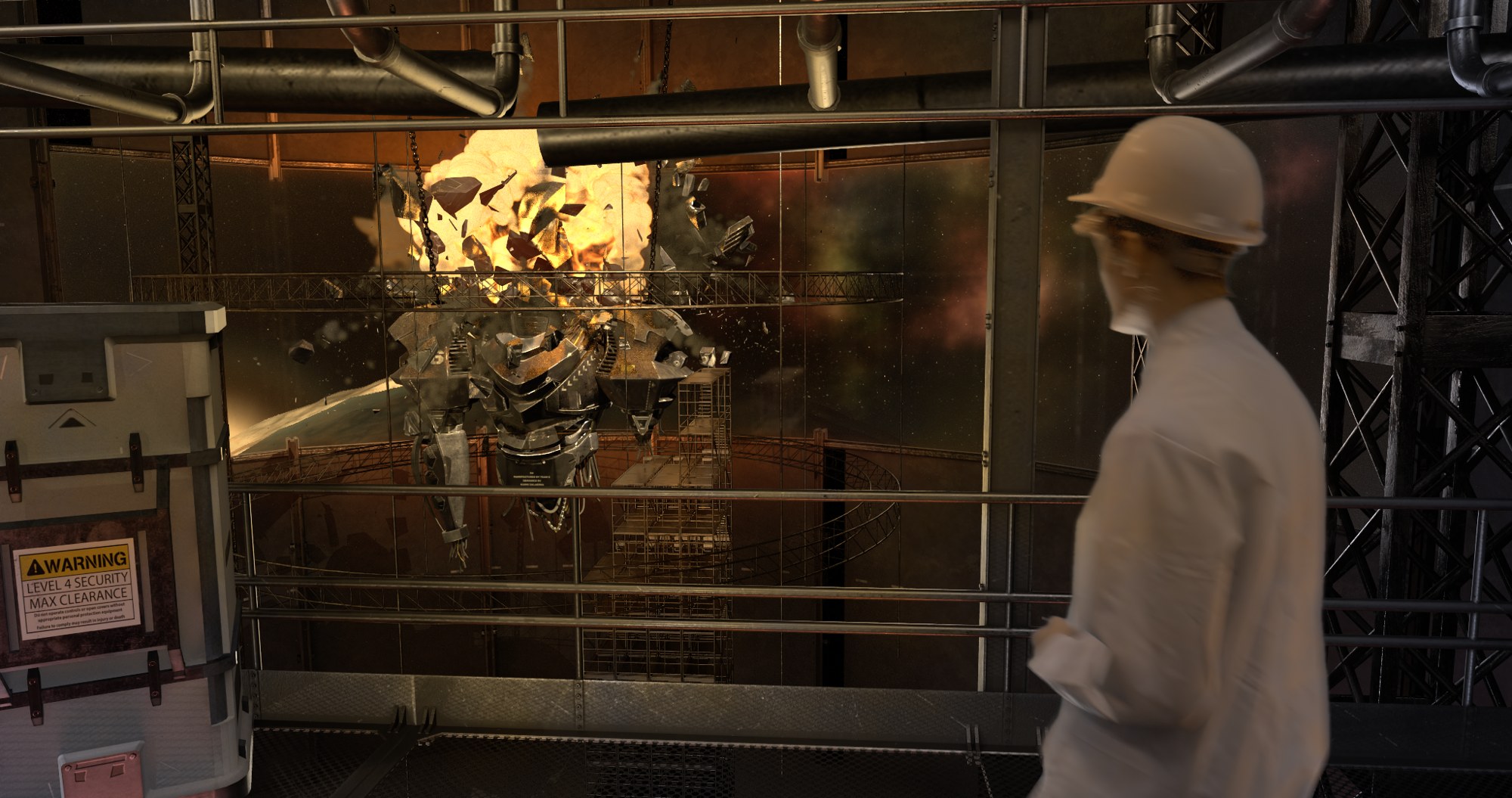
A virtual production shot.
Overview
This was my second year group project at Escape Studios. For this project, I have undertaken every compositing task outlined in my following breakdown including: Greenscreen Cleanup; Keying; Roto; Procedural space set extension; Cg Integration; Explosion rebuild and overall colour grading. I really enjoyed this project, especially when I was able to build the Set Extension procedurally within nuke using different noise nodes and expressions.
Process
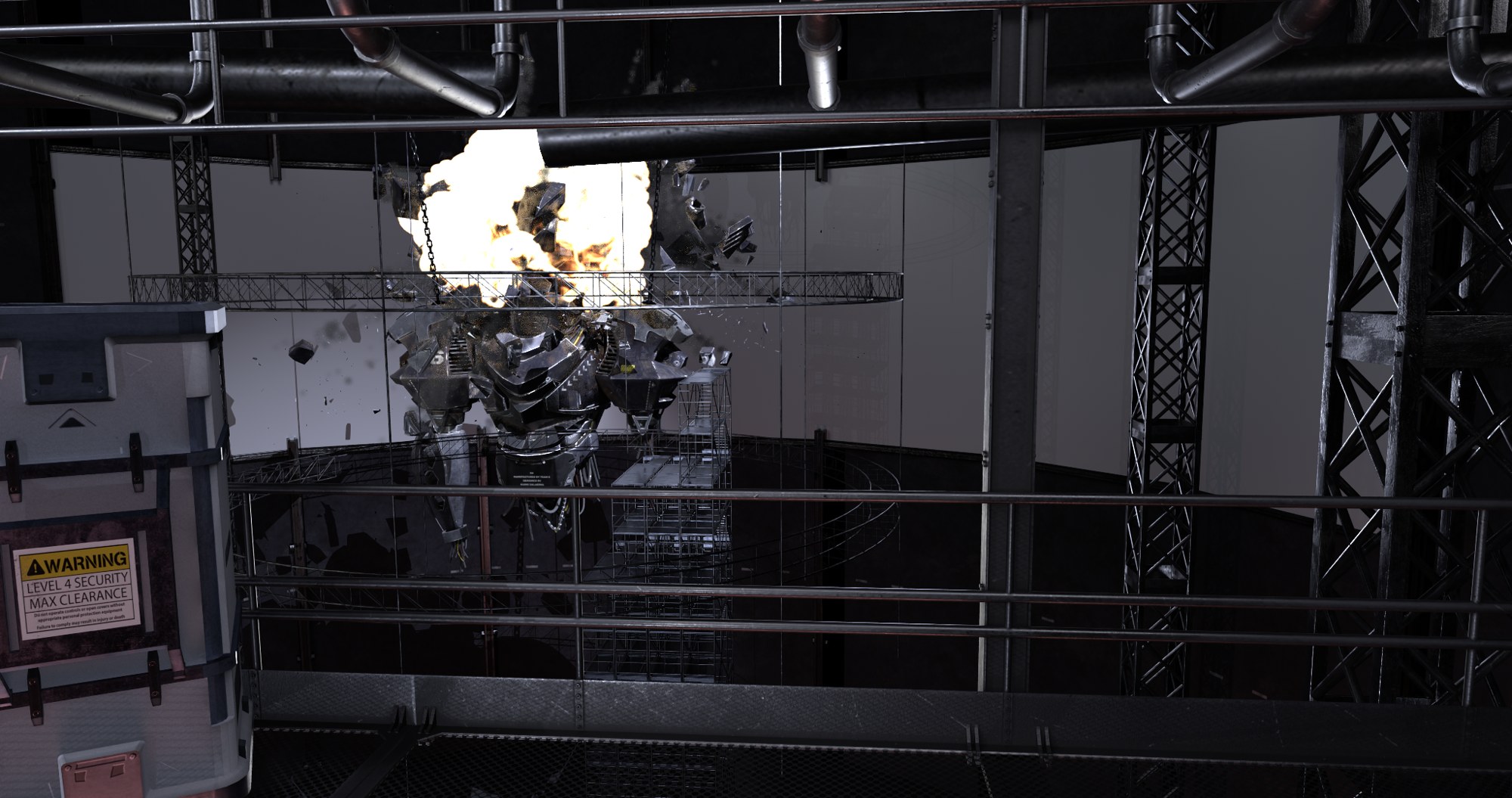
I completed this whole shot from within Nuke, using assets given to be by the 3D and FX teams. Unfortunately we came across numerous issues during this project; however this was all a learning curve I will be able to troubleshoot for my future projects. The camera tracking was difficult due to a lack of markers; the 3D department gave a version of the assets to us extremely late and forgot a depth pass; the explosion FX was flat. Although these were issues at the time, we overcame them before the deadline and I now understand more for my future projects.
Full breakdown
0:28This is a full breakdown of my composite, helping visualise each step I took through this module to create the final clip. As you can see, I started with the greenscreen plate we filmed as a group, cleaning up tracking markers and keying the result. Due to having the most difficult camera movement for each group, I also needed to roto certain parts, such as between the greenscreen and the legs. After integrating the actor into the scene, I moved onto a procedural space set extension, in which I solely used Noise nodes and Nuke 3D objects to make a galaxy. This also allowed me to add expressions to each node, helping make my set extension dynamic by adding subtle movement. Once the set extension was complete, I integrated the CG, before finally rebuilding the flat explosion using different render layers.