DS Lite
A 3D modelling and texturing project.
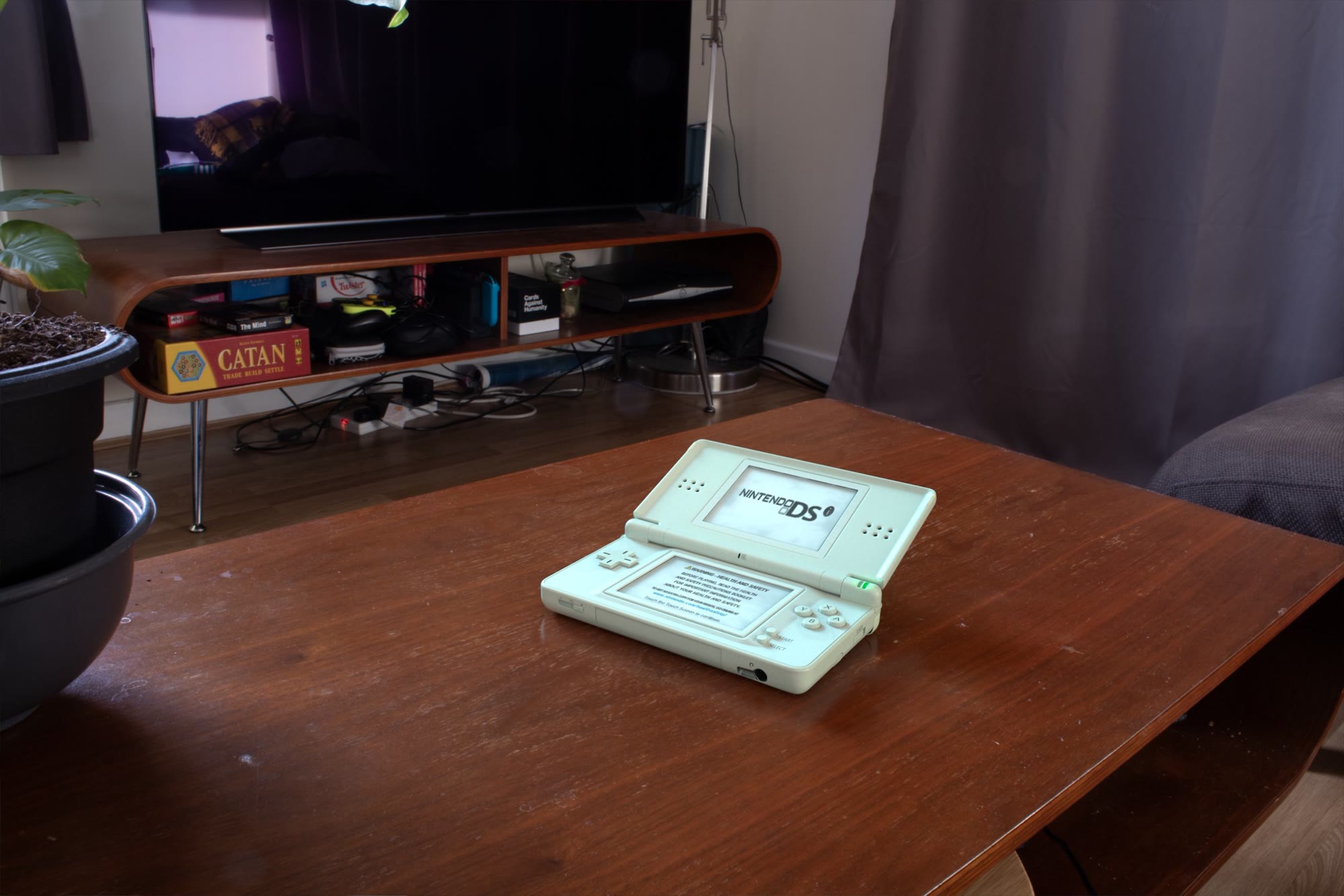
Overview
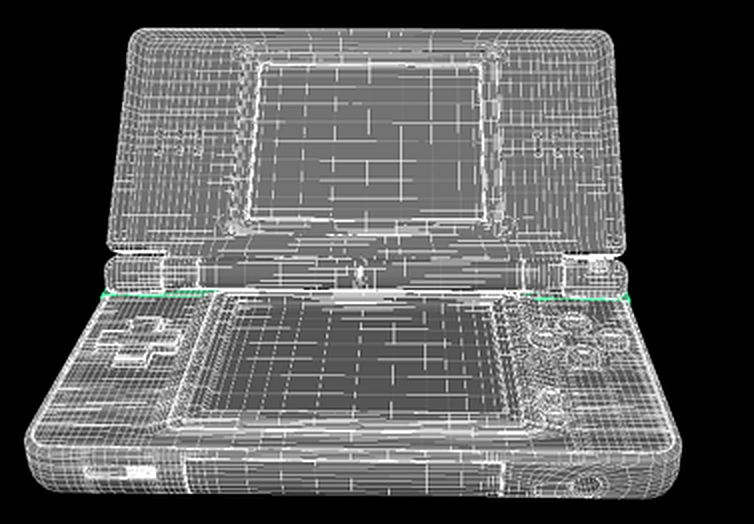
This was my introduction to 3D VFX during my first year at Escape Studios. This project was my first time experiencing the Maya and Substance painter workflows, although I had some experience in blender with 3D modelling; following tutorials in Blender before joining escape; I much preferred using Maya. I learnt how to effectively keep clean quad topology and this was my first time integrating CG into a realistic scene.
Process
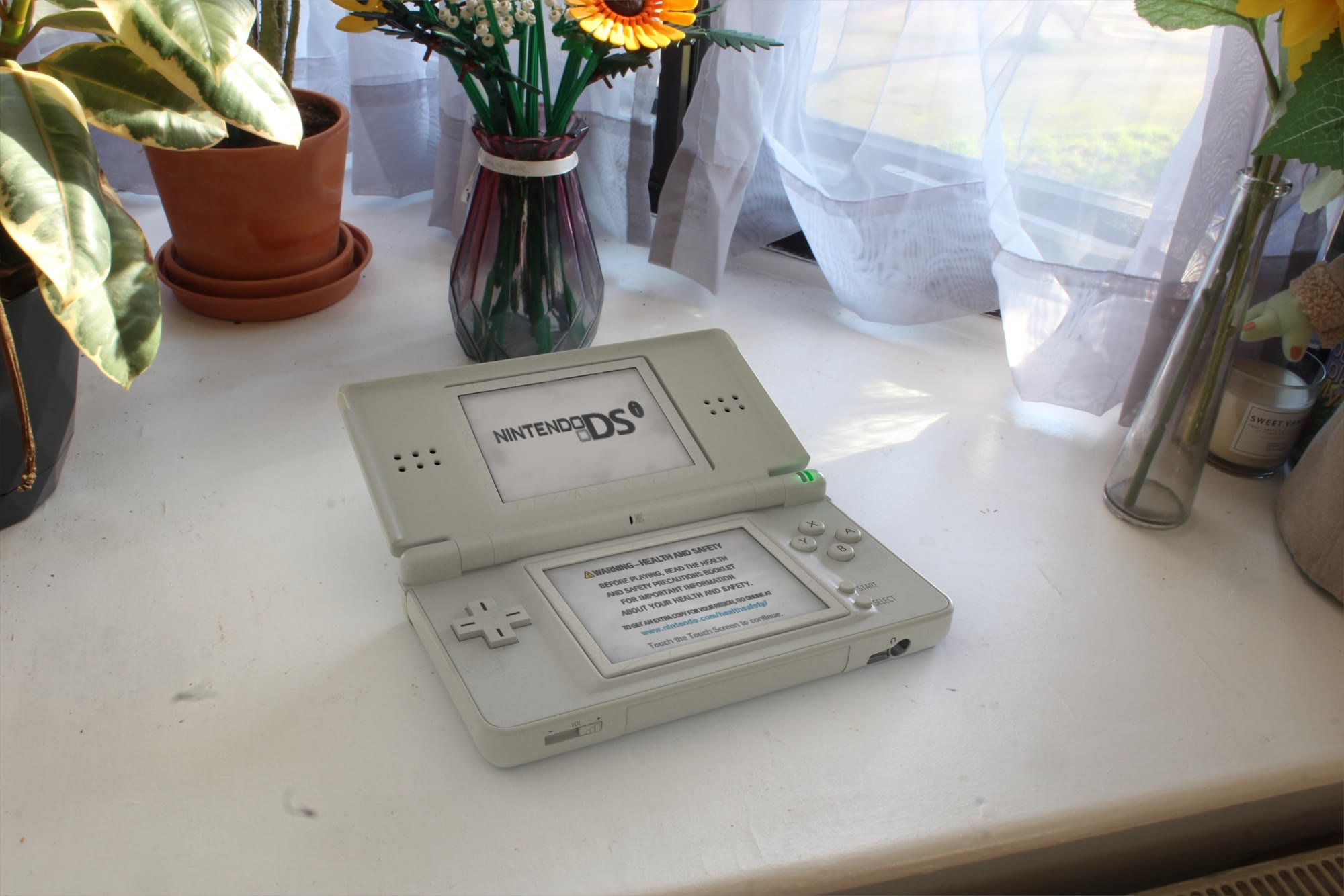
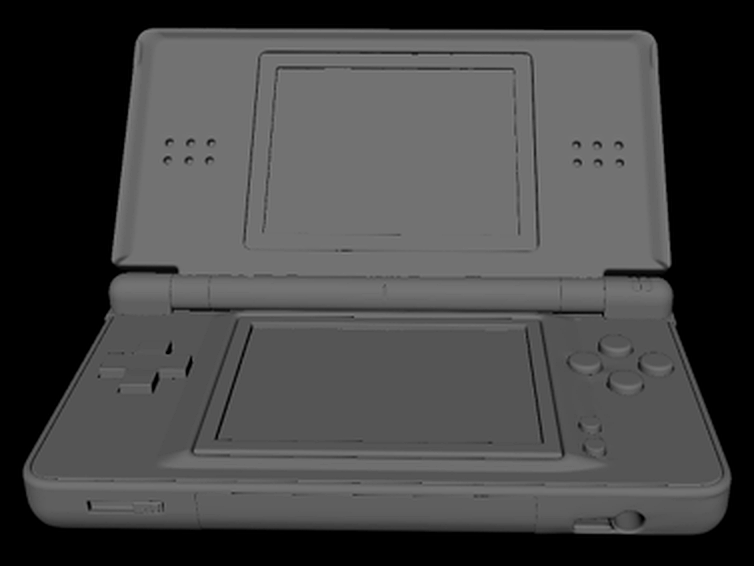
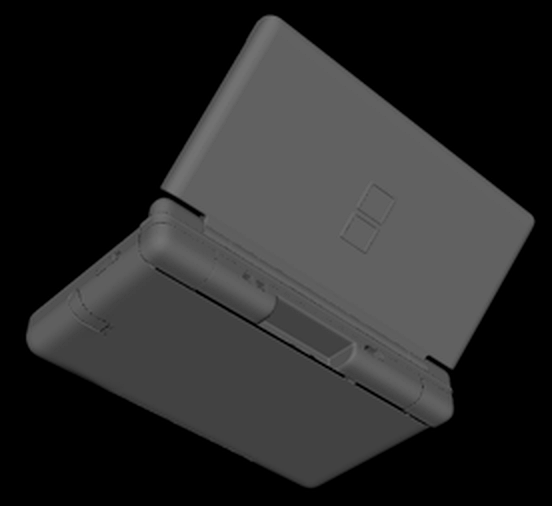
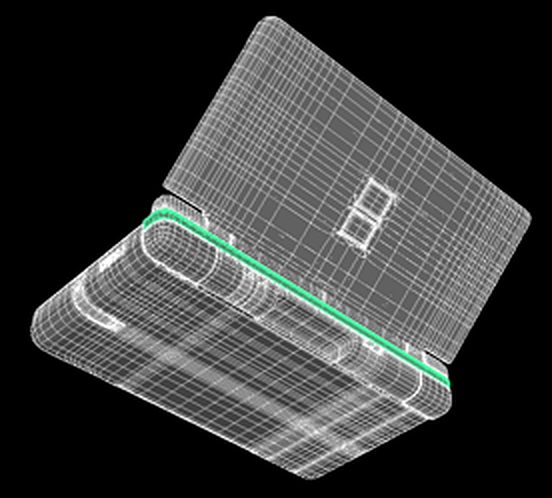
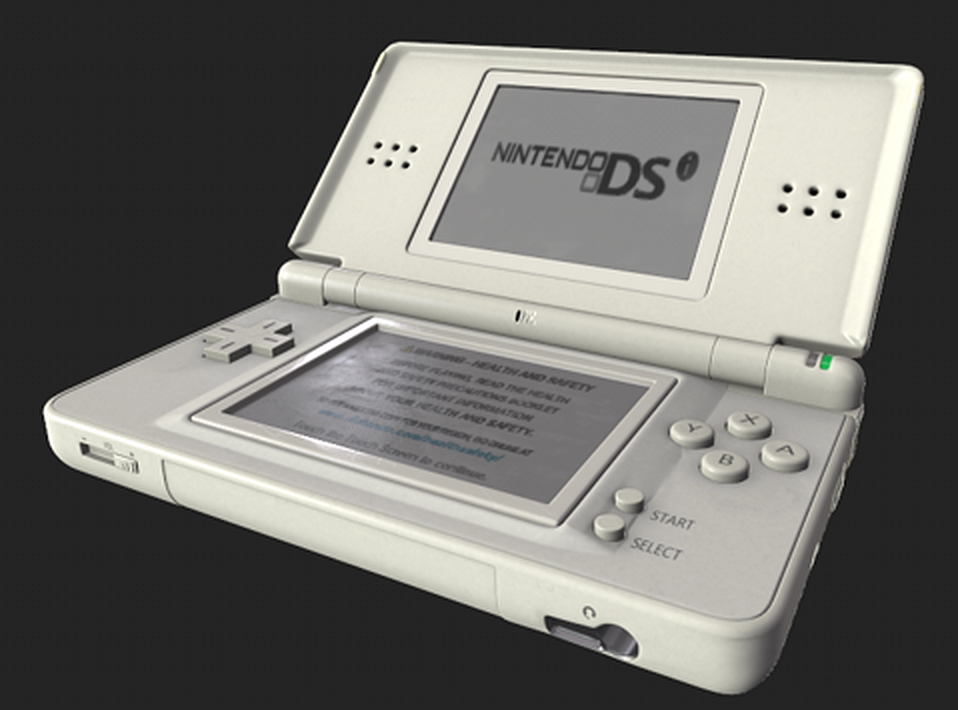
I modelled the DS Lite in Maya, problem solving how to keep a clean topology while accurately sticking to the blueprints modelling all the smaller details including: The speaker holes; The buttons; The screens; the headphone jack; the game port; the pen slot and the volume slider. I then textured the device in Substance painter, ensuring to keep all the decals/stickers possible, and giving dirt and grime to the plastic and screens to make it look used. Finally I imported the textures back into the maya scene and integrated it onto a card.
Breakdown
Modelling · Texturing · IntegrationModelling
Step 01 · MayaModelled solely in Maya with clean quad topology. Each detail is modelled in to minimise the reliance in substance painter.
Texturing
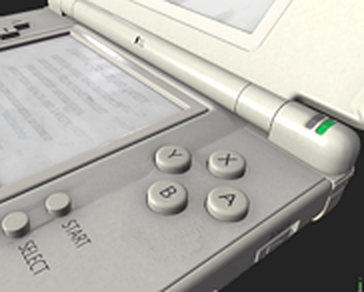
Step 02 · Substance PainterTextured in Substance Painter. The base material, printed screen graphics, and surface wear were built up in layers to make it seem photoreal.
Integration
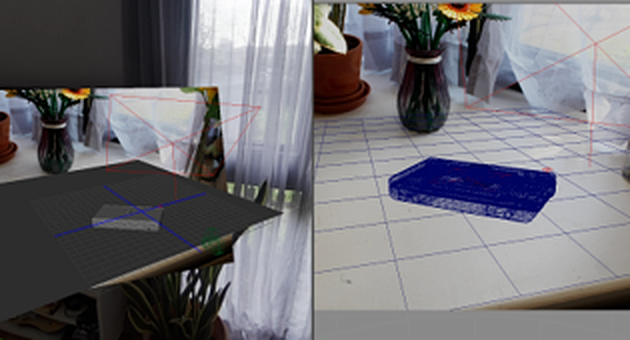
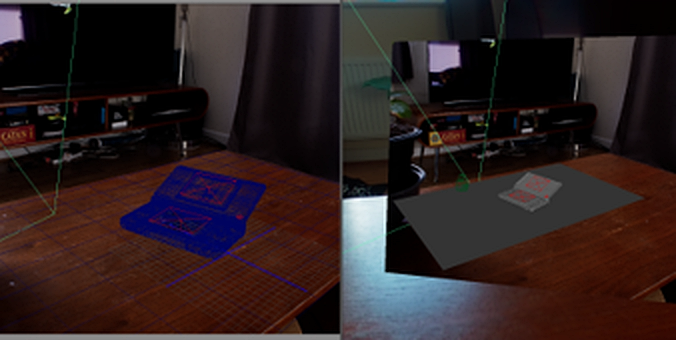
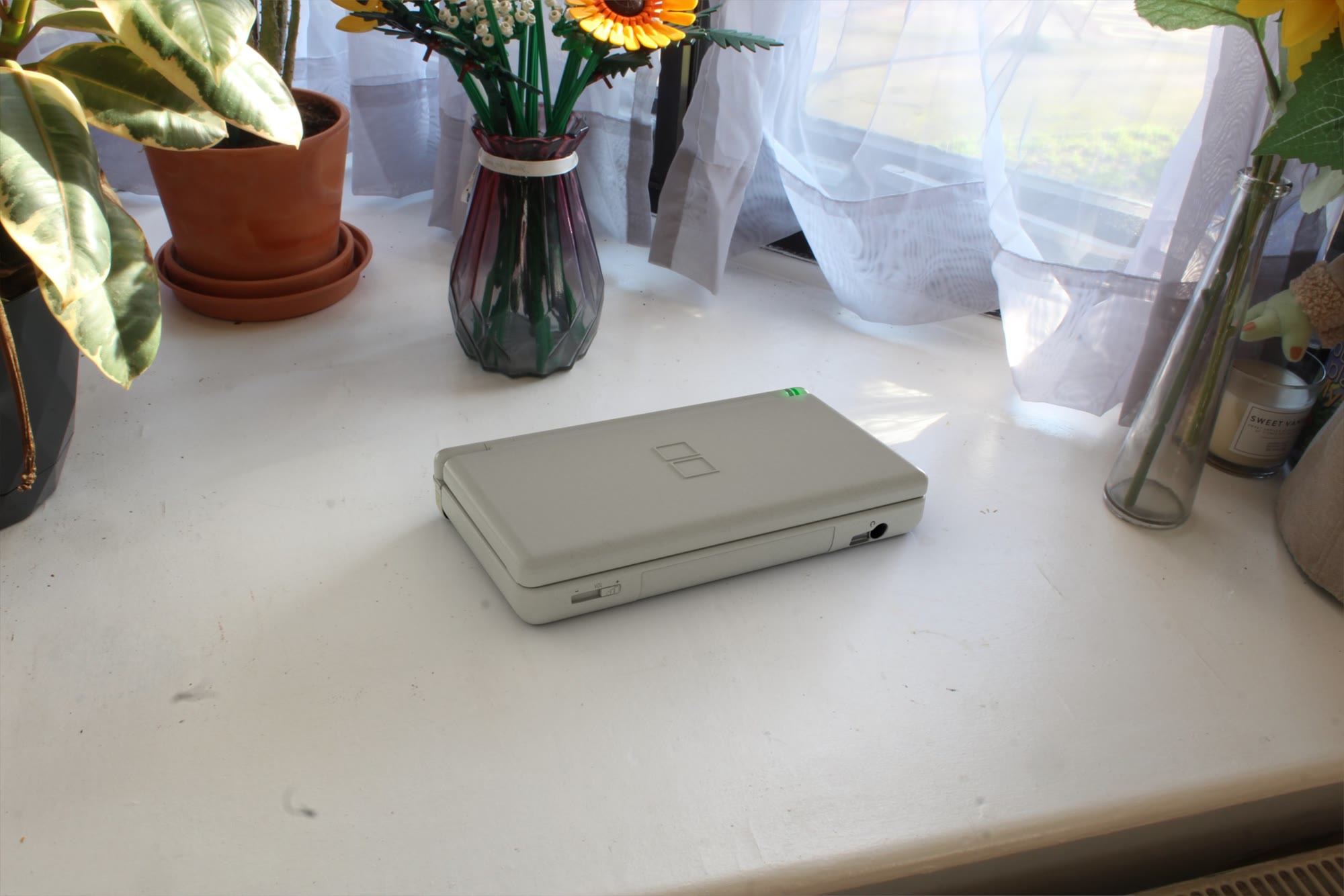
Step 03 · MayaThe textured model was lined up against the stock image card to make it seem as if the device was actually sitting within the photograph. The same model is shown in two different locations, in both open and closed positions, presented at the top of the page.